LinkedIn outreach at scale—multi-channel when you need it


Deep LinkedIn plays, one campaign builder

InMail & DM where it makes sense

Built-in guardrails per LinkedIn account

Lists, imports, and your ICP

Multi-channel: LinkedIn first, email when it fits

LinkedIn-native sequences. Multi-channel when you’re ready.

Automate invites, delays, and follow-on LinkedIn steps in one campaign


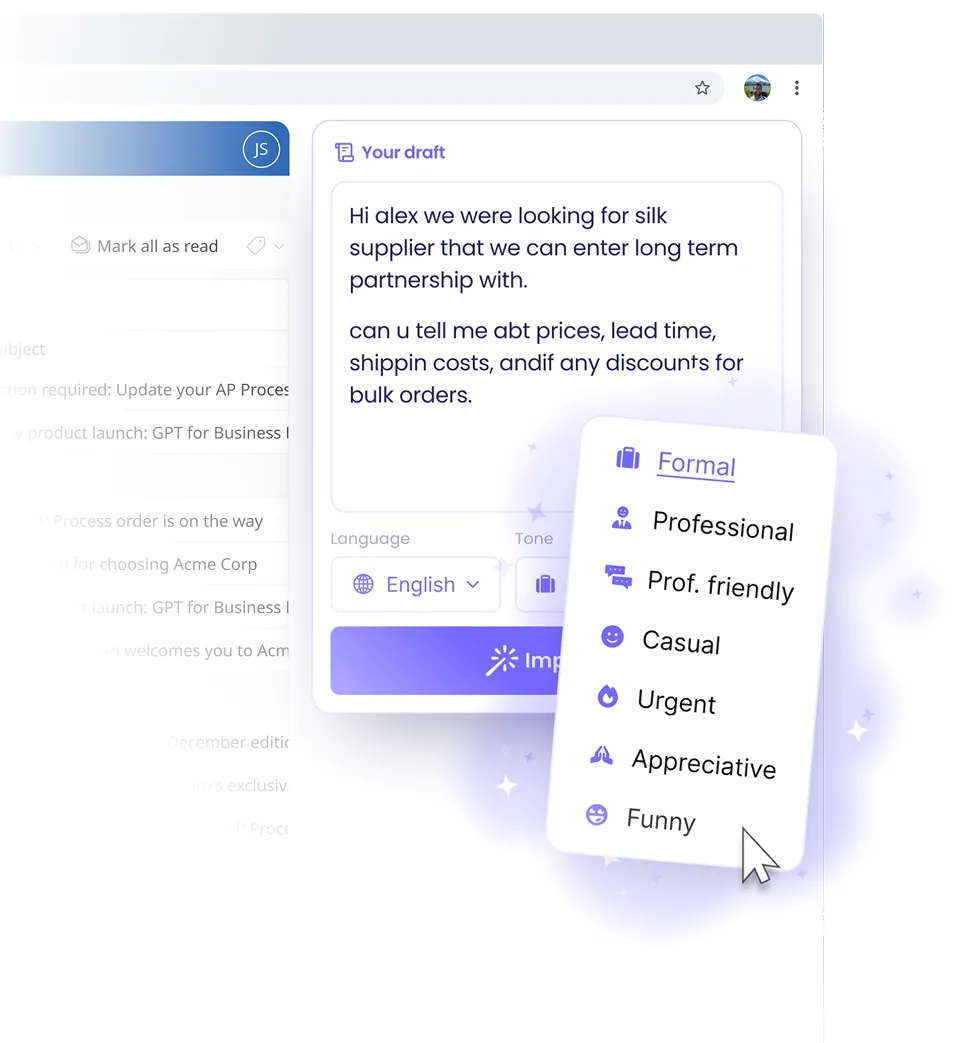
DMs, InMail when supported, and light engagement on autopilot

We use enterprise-grade security to keep your data protected


More of what you can automate on LinkedIn

Profile views & follows
Add profile visits and follows as sequence steps so prospects see natural activity before a heavier ask.

Post likes & comments
Engage with recent posts as part of a sequence—useful for warming up accounts before a connection or message.

Skills endorsements
Optional endorsement steps when you want another lightweight touch—always bounded by the same daily limits as your other LinkedIn actions.

Daily limits per account
Enforce caps on connection requests, messages, InMail, views, and engagement per connected
LinkedIn identity so teams scale without
racing past safe volumes.

Lead lists & CSV import
Import prospects from CSV and wire them into the same engine you use for larger data
sources—so every campaign starts clean.

Personalization tokens
Pull fields from each lead into messages and invites—name, title, company, LinkedIn URL, and custom columns from your imports.
Connect the LinkedIn profile you want to automate from Mailgent. Authenticate through the hosted connection flow, then verify the account shows as active before you attach it to a campaign. Each connected identity carries its own daily LinkedIn limits—Mailgent enforces them across every sequence using that account.
Pick a lead list or import, drop in sequence steps (connection request → wait → message → view profile, and so on), then let Mailgent schedule work across days and time zones. When you’re ready to go multi-channel, splice email steps into the same timeline so LinkedIn touches and inbox sends stay in lockstep.
Frequently Asked Questions


Send cold and follow-up email from the same sequences as LinkedIn
Orchestrate LinkedIn and email without two separate tools
We use enterprise-grade security to keep your data protected
More of what you can do with outbound email
SendGrid or SMTP
Bring your own email transport—connect SendGrid or a standard SMTP provider so sends originate from infrastructure you control.
Domain & deliverability
Authenticate sending domains and follow sensible-volume practices so cold and follow-up mail lands where prospects actually read it.
Shared templates & tokens
Reuse the same personalization fields you mapped for LinkedIn—merge names, titles, companies, and custom columns into email bodies and subjects.
Pacing & throttles
Space email steps with wait days and caps that mirror how you’d send manually—so sequences stay human-paced alongside LinkedIn actions.
Opt-out handling
Keep outbound respectful: structure templates with clear unsubscribe paths and honor remove requests as part of your RevOps workflow.
Campaign visibility
See sends, opens, and replies next to LinkedIn outcomes so one dashboard tells you which channel moved the deal—not two siloed tools.
In Mailgent, add a SendGrid integration or SMTP profile, verify the sender domain your team will use, and confirm test messages arrive as expected. Once the connection is healthy, assign it to the workspace or campaigns that should send outbound mail so deliverability settings stay consistent across reps.
Open the same sequence builder you use for LinkedIn and insert email steps where they make sense—often after a social touch or as a parallel branch. Choose templates, map tokens to lead fields, set wait days between sends, and publish when the journey matches how you’d run the account manually.
Frequently Asked Questions
Run serious LinkedIn outreach—without the busywork